Best Photography AI Image Prompts for Midjourney, Flux & Stable Diffusion (2026)
Introduction Photography is one of the most popular styles in AI image generation. People want images that look like they were actually captured by a camera — with natural lighting, realistic skin texture, depth of field, and authentic composition. Whether you need professional portraits, street photography, travel shots, or cinematic scenes, the right prompt makes a huge difference. A well-written photography prompt can turn an average AI image into something that looks like a real photograph. In this guide, you’ll get proven photography prompt structures, ready-to-use examples, and practical tips to generate high-quality, realistic images using Midjourney, Flux, and Stable Diffusion.
What Makes a Strong Photography Prompt? A good photography prompt usually includes:
Subject – Who or what is being photographed Type of photography – Portrait, street, landscape, documentary, fashion, etc. Camera & lens details – 35mm, 50mm, 85mm, shot on Canon/Sony/Fujifilm, etc. Lighting – Natural light, golden hour, soft window light, overcast, studio lighting Composition – Rule of thirds, shallow depth of field, candid, close-up Mood & atmosphere – Moody, bright, cinematic, calm, dramatic Technical quality – Film grain, realistic skin texture, natural colors
The more specific these details are, the more realistic the final image becomes.
Best Photography Prompt Formula Use this simple structure: text[Subject], [type of photography], [lighting], [camera/lens], [composition], [mood], realistic, natural colors, highly detailed Example: textA young woman standing near a large window, natural soft light falling on her face, portrait photography, shot on 85mm lens, shallow depth of field, calm and elegant mood, realistic skin texture, natural colors
Ready-to-Use Photography Prompts
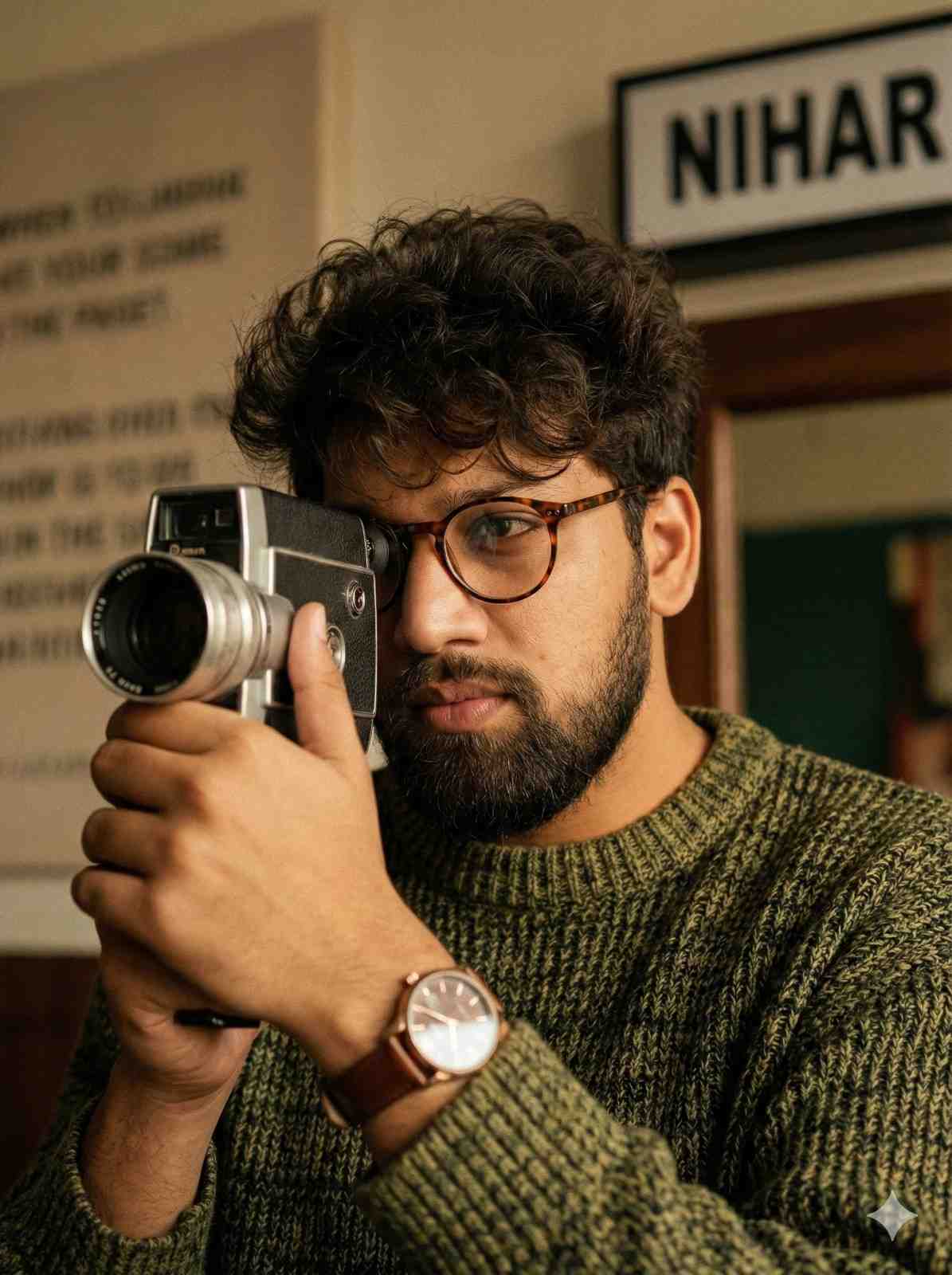
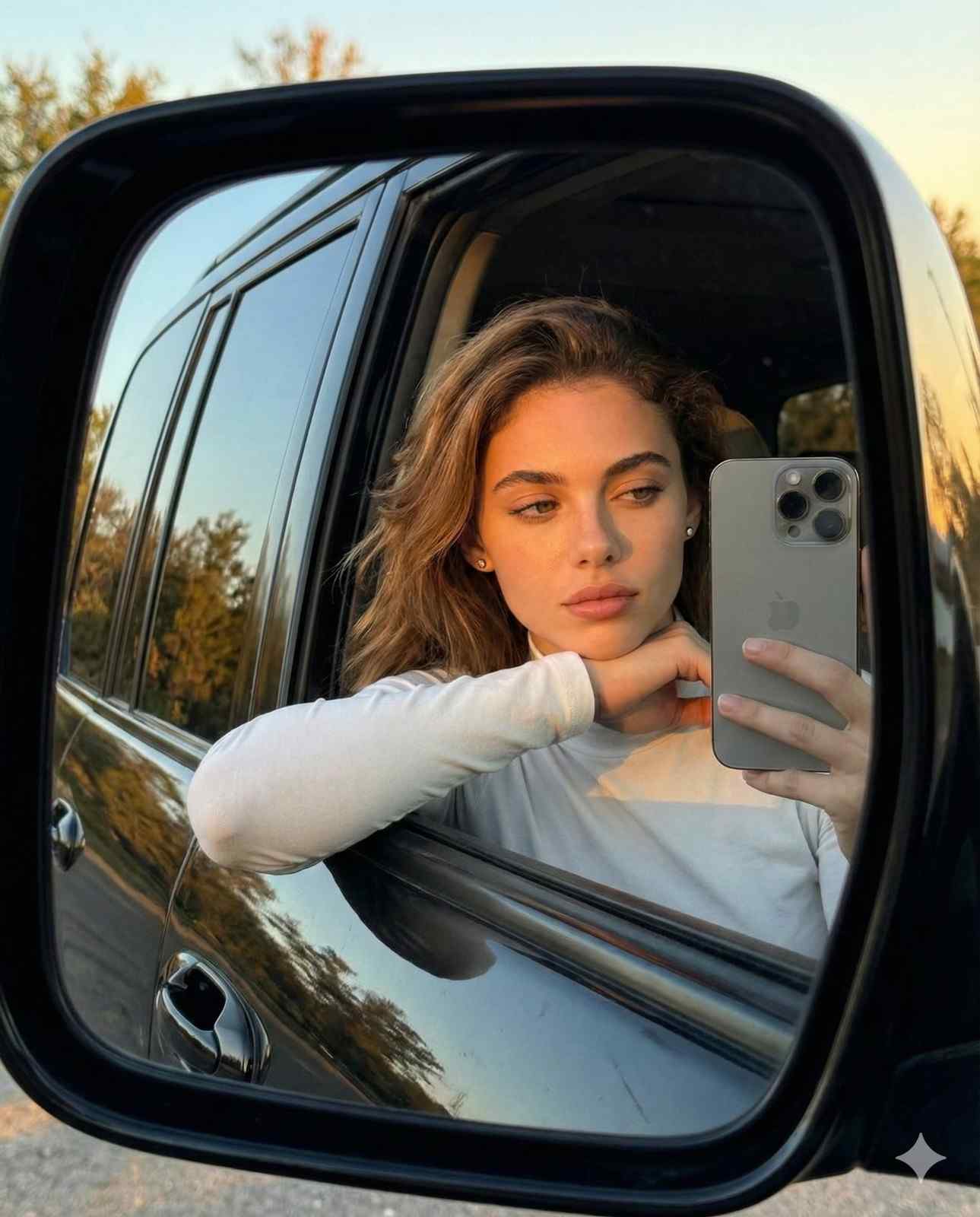
Pro Tips for Realistic Photography Results
Use real camera language Words like “shot on 35mm”, “85mm lens”, “Fujifilm style”, or “Canon EOS” help the AI create more photographic results. Focus on lighting Lighting is the most important factor in photography. Always mention the light source and quality (soft, hard, golden hour, overcast, etc.). Add depth of field “Shallow depth of field” or “bokeh background” makes portraits look more professional. Keep it natural Avoid overusing words like “ultra realistic, 8k, masterpiece”. Instead use “realistic skin texture, natural colors, documentary style”. Use candid language Words like “candid”, “unposed”, “natural expression” help avoid stiff, artificial-looking poses.
Platform-Specific Advice Midjourney
Use --ar 4:5 or --ar 3:4 for portraits --stylize 100-250 works well for realistic photography Add “photographic” or “shot on film” for better results
Flux
Excellent at realistic skin and natural lighting Keep prompts clean and descriptive Works very well with “photorealistic, natural light, shallow depth of field”
Stable Diffusion
Use realistic checkpoints (Realistic Vision, Juggernaut, etc.) Strong negative prompts help: deformed face, plastic skin, oversaturated, artificial lighting, blurry
Common Mistakes to Avoid
Making the subject look too perfect or plastic Ignoring lighting details Using too many style keywords in one prompt Creating overly dramatic or fantasy-looking images when you want real photography Forgetting composition and camera details
Final Thoughts Great photography prompts focus on realism, lighting, and natural composition. Instead of trying to make the image look “AI perfect”, aim for something that feels like it was taken by a skilled photographer. Use the formula and examples above as a foundation, then customize them based on the mood and style you want. With practice, you’ll be able to consistently generate high-quality photography-style images that look authentic and professional.